LinkPreview AI: The Privacy-First, Client-Side QR Code Generator
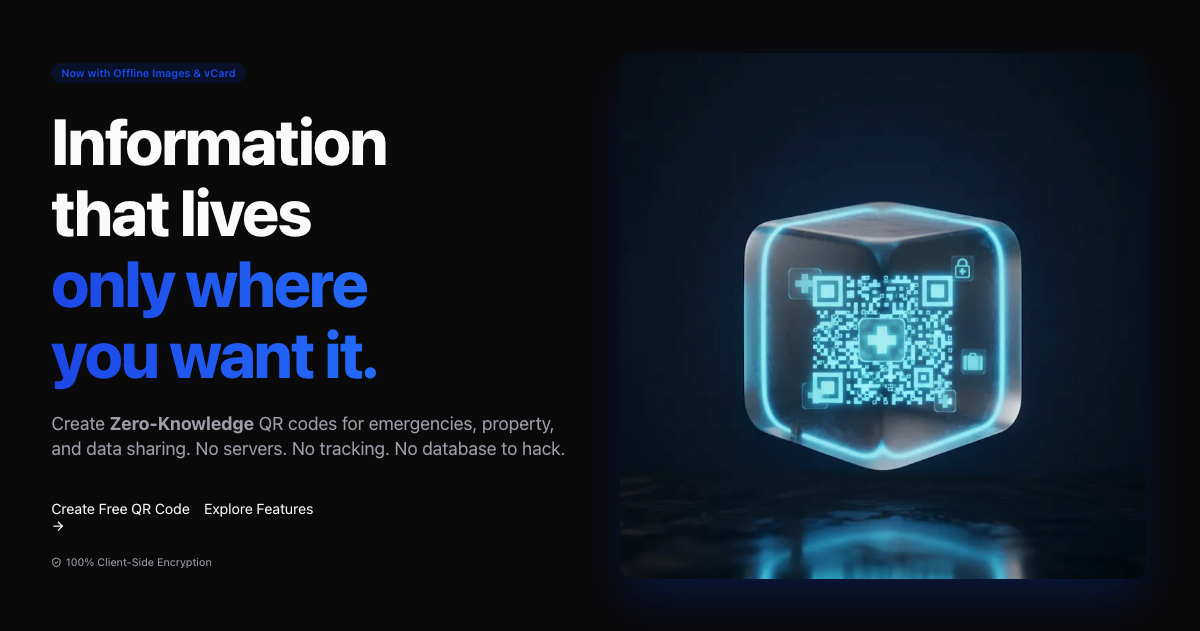
We live in a world where “free” usually means “you are the product.” This is especially true for QR code generators.
If you search for “QR code generator,” the top results are almost exclusively services that:
- Track every scan: They know when, where, and with what device your code was scanned.
- Hold your data hostage: They use “Dynamic QR Codes” that redirect through their servers. If you stop paying, the link dies.
- Sell your data: Your scan analytics are a commodity.
I built LinkPreview AI (also known as QR Safe) to be the antidote. It is a Zero-Knowledge, Client-Side only QR generator.
The “URL is the Database” Architecture
The core philosophy of LinkPreview AI is that I should not store your data. In fact, the architecture is designed so that I cannot see your data even if I wanted to.
No Server-Side Database
Most services store your content (e.g., your vCard, WiFi password, or text) in a database row associated with a unique ID (e.g., bit.ly/xyz). When someone scans the code, the server looks up xyz and redirects them.
LinkPreview AI does not have a database.
Instead, it compresses your data using zlib (pako), optionally encrypts it with AES-256, and encodes the entire payload directly into the URL parameters.
The URL itself is the database.
When you generate a QR code for a secured note, the resulting QR code contains a URL like:
https://linkpreview.ai/qr#<compressed_encrypted_payload>
When a user scans this:
- Their browser loads the static reader page.
- The JavaScript in their browser reads the URL fragment (
#...). - It locally decrypts and decompresses the payload.
- It renders the content using DOMPurify to prevent XSS.
At no point does the unencrypted data touch a server.
Features at a Glance
- 100% Client-Side: Generation and reading happen in your browser.
- Zero-Knowledge Encryption: Use a password to encrypt your data. The password never leaves your device.
- Permanent Links: Since there is no database entry to “expire,” your QR codes will work forever (as long as the mathematically deterministic decoding logic exists).
- Rich Templates:
- Medical (ICE): Store blood type, allergies, and emergency contacts.
- Luggage & Property: Allow finders to contact you without revealing your home address.
- vCard: Share contact info without a subscription.
- Wi-Fi: Share credentials securely.
Why Client-Side Matters for SEO and Privacy
For developers and businesses, using a client-side generator isn’t just about privacy—it’s about longevity and control.
With server-side dynamic codes, you are renting access to your own data. With LinkPreview AI, you own the link. Because the data is in the URL, you can generate a code today, print it on 10,000 flyers, and be confident that it will still scan 10 years from now, regardless of whether a startup pivots or changes its pricing model.
Try It Out
The tool is completely free to use. No sign-ups, no tracking, no database.