Remote Terminal: iPhone to Mac via Tailscale
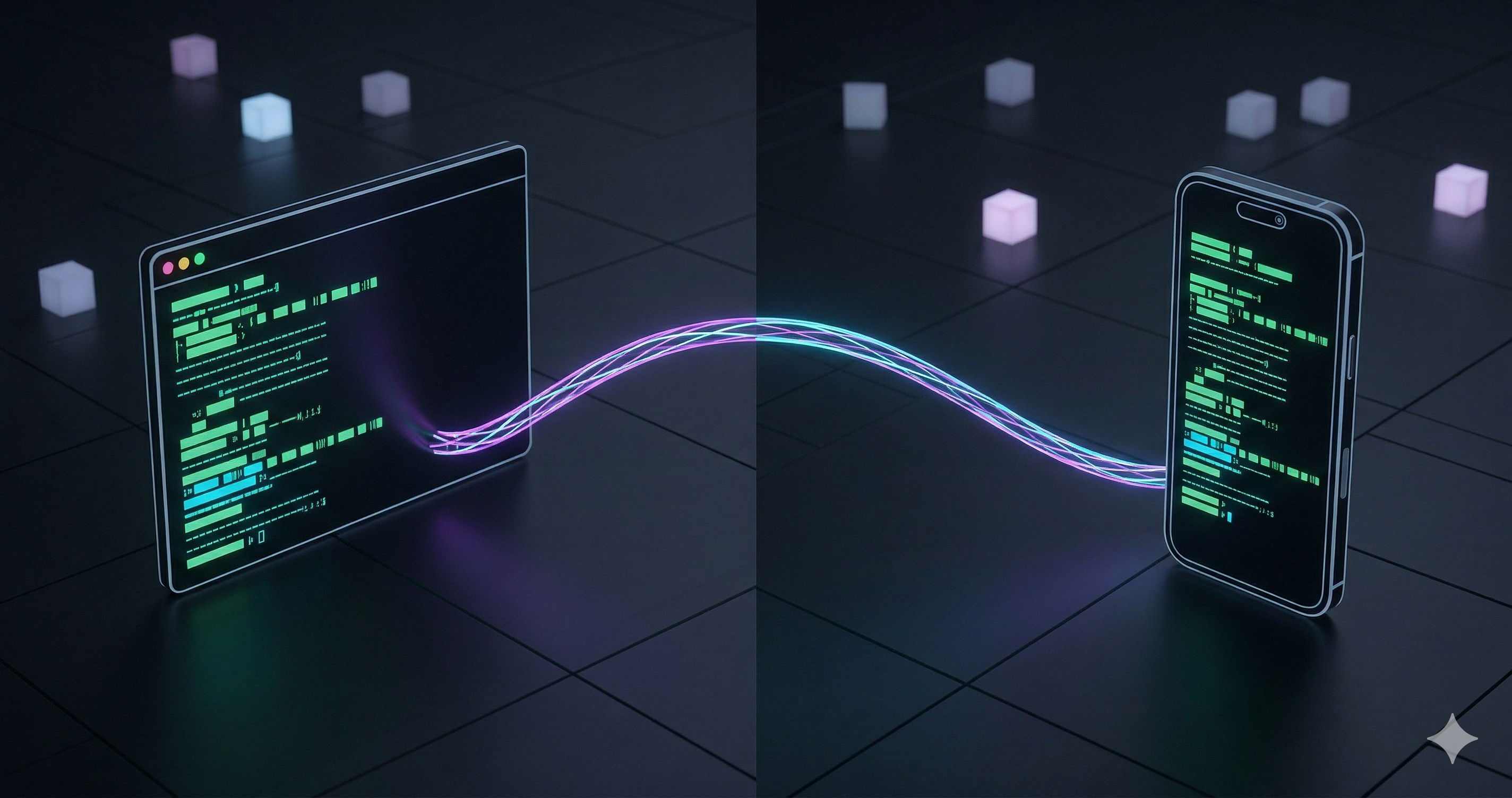
I wanted to run terminal commands on my Mac from my iPhone. Not through some clunky VNC app. Not by opening SSH ports on my router. I wanted a real terminal, in my pocket, that works from anywhere, without exposing my machine to the internet.
It took five minutes, two free tools, and zero networking knowledge. Here is exactly how.
Key Takeaways
- Tailscale creates a private WireGuard tunnel between your devices. No ports opened on your router.
- Remobi serves a web terminal via npx. One command, no install.
- Binding to your Tailscale IP (not
0.0.0.0) is the difference between “works” and “safe to leave running.”- Add it to your iPhone Home Screen and it behaves like a native app.
What Are We Building?
A full terminal running on your Mac, accessible from Safari on your iPhone, encrypted end-to-end, invisible to the public internet. You type commands on your phone, they execute on your Mac. You can be on the same WiFi or on the other side of the planet. It does not matter because the connection goes through a private mesh network, not the internet.
The stack is two tools:
- Tailscale: a free mesh VPN built on WireGuard. It gives each of your devices a private IP address (like
100.x.y.z) and routes traffic between them through an encrypted tunnel. Nothing is exposed to the public internet. No router configuration needed. If you have local services like n8n running on your machine, Tailscale makes them accessible from your phone too. - Remobi: a tiny terminal server you launch with
npx. It opens a web-based terminal that you access from any browser. No installation, no accounts.
What You Will Need
- A Mac (any recent macOS version)
- An iPhone (or iPad, or any device with a browser)
- A Tailscale account 🔗 (free for personal use, up to 100 devices)
- Node.js installed on your Mac (for
npx)
Total setup time: about five minutes.
Set Up Tailscale on Both Devices
If you already use Tailscale, skip to the next section.
- Install Tailscale on your Mac 🔗 from the website or the App Store.
- Install Tailscale on your iPhone 🔗 from the App Store.
- Log in with the same account on both devices.
- On your iPhone, toggle the VPN on.
That is it. Both devices are now on the same private network. You can verify by opening Terminal on your Mac and running:
tailscale statusYou should see both your Mac and your iPhone listed. Note your Mac’s Tailscale IP. It starts with 100. and looks something like 100.122.133.96.
If the tailscale command is not found, add an alias to your shell config:
echo 'alias tailscale="/Applications/Tailscale.app/Contents/MacOS/Tailscale"' >> ~/.zshrc
source ~/.zshrc
Launch the Terminal Server
Here is where most guides get the security wrong.
The obvious command to start Remobi is:
npx remobi@latest serve --host 0.0.0.0That works. But 0.0.0.0 tells your Mac to listen on every network interface. Your Tailscale tunnel, yes, but also your local WiFi. If you are at a coffee shop, anyone on the same network could theoretically browse to your local IP and get a terminal on your machine.
The fix is simple. Bind Remobi to your Tailscale IP only:
npx remobi@latest serve --host 100.122.133.96Replace that IP with your actual Tailscale IP from the previous step. Now the terminal server only accepts connections from the private Tailscale network. Someone sitting next to you at Starbucks would not even see it.
Keep this terminal window open. The server runs as long as the process is alive.
Connect From Your iPhone
- Make sure Tailscale is active on your iPhone (the VPN toggle in Settings or the Tailscale app).
- Open Safari and go to:
http://100.122.133.96:7681(using your Mac’s Tailscale IP). - You should see a full terminal. Try
lsorpwdto confirm you are on your Mac.
Now the trick that makes this feel native: tap the Share button in Safari, then tap “Add to Home Screen.” Give it a name like “Mac Terminal.” This creates a PWA-style shortcut that opens in full screen, no browser chrome. It looks and feels like an app.
Mirror the Session With tmux
Remobi runs inside a tmux session called main. This means you can attach to the same session from your Mac and see exactly what your iPhone is doing in real time.
Open a new terminal tab on your Mac and run:
tmux attach -t mainBoth screens now show the same session. Type on your phone, it appears on your Mac. Type on your Mac, it appears on your phone. This is useful for debugging: run something from your phone while watching the output on a bigger screen.
On my home WiFi, keystrokes appear instantly. Over LTE from a cafe, I noticed maybe a half-second delay, but for running git commands or restarting services it never mattered.
To detach without killing the session, press Ctrl+B then D.
Keep Your Mac Awake
If your Mac goes to sleep, the Tailscale connection drops and Remobi dies. If you want to leave this running while you are away, you need to prevent sleep.
Option 1: System Settings
Go to System Settings > Displays > Advanced and enable “Prevent automatic sleeping when the display is off.” Also check System Settings > Battery > Options and enable “Wake for network access.”
Option 2: The caffeinate command
Run this in a separate terminal tab:
caffeinate -sThis keeps the Mac awake as long as the command is running. Kill it with Ctrl+C when you are done.
Option 3: Amphetamine
Amphetamine 🔗 is a free app from the App Store that gives you fine-grained control over when your Mac stays awake. You can set it to stay awake only while Remobi is running.
How Secure Is This Actually?
Here is the honest breakdown:
| Threat | Risk | Why |
|---|---|---|
| Random attacker from the internet | None | No ports are open on your router. There is nothing to find. |
| Someone on the same WiFi | None (if you bound to Tailscale IP) | The server only listens on the private Tailscale interface. |
| Someone on the same WiFi | Medium (if you used 0.0.0.0) | They could find your local IP and access the terminal. |
| Tailscale account compromise | Extremely low | An attacker would need to steal your Tailscale identity. |
The key takeaway: bind to your Tailscale IP, not 0.0.0.0. That single flag is the difference between a locked door and an open one.
All traffic between your iPhone and Mac is encrypted with WireGuard 🔗, a modern VPN protocol that has been formally verified 🔗 and adopted by providers like Mullvad, Mozilla VPN, and Cloudflare WARP. Tailscale adds identity-based access control on top. Their security model 🔗 is well documented.
When you are done, type exit on your phone to close the terminal session, then Ctrl+C on your Mac to stop the Remobi server.
It Works on Linux and Windows Too
Everything in this guide except the sleep prevention steps is OS-agnostic. Tailscale runs on Linux, Windows, and even Raspberry Pi. Remobi is just Node.js.
On Linux, replace the sleep prevention with:
systemd-inhibit --what=idle npx remobi@latest serve --host $(tailscale ip -4)On Windows, install Tailscale from their website, run npx remobi@latest serve --host <your-tailscale-ip> in PowerShell, and connect from your phone the same way.
The Tailscale IP binding trick works identically on every platform. The private network does not care what OS either end is running.
Frequently Asked Questions
Does this work over mobile data or only on WiFi?
It works everywhere. Tailscale routes traffic through relay servers (called DERP) when a direct connection is not possible. You can be on cellular data on your iPhone and WiFi on your Mac. The connection goes through Tailscale’s infrastructure, encrypted end-to-end. Latency is slightly higher over cellular, but for terminal use it is unnoticeable.
Can I use this with an Android phone?
Yes. Tailscale has an Android app 🔗. The browser-based terminal works in Chrome on Android the same way it works in Safari on iPhone. You can also add it to your home screen as a PWA.
Is Remobi safe to use? It runs via npx.
Remobi is open source (GitHub 🔗) and small enough to audit in an afternoon. It wraps ttyd 🔗, a well-known web terminal tool. Running it via npx means you always get the latest version. The security boundary is Tailscale, not Remobi: even if Remobi had a vulnerability, only devices on your Tailnet can reach it.