How PNG compresses pixels without changing them
Switch the microscope to PNG and the hidden-bit map becomes boring: every bit survives.
The file can still be much smaller than the raw pixels. That creates an apparent contradiction. If no pixel value may change, where does the saved space come from?
It comes from repetition that was present in the image but difficult to see in its original form.
Image Compression Microscope
The picture can survive while the payload dies
Each square is one least-significant bit written before compression and read from the same channel after decoding. A crossed square changed.
reversible row filters → DEFLATE
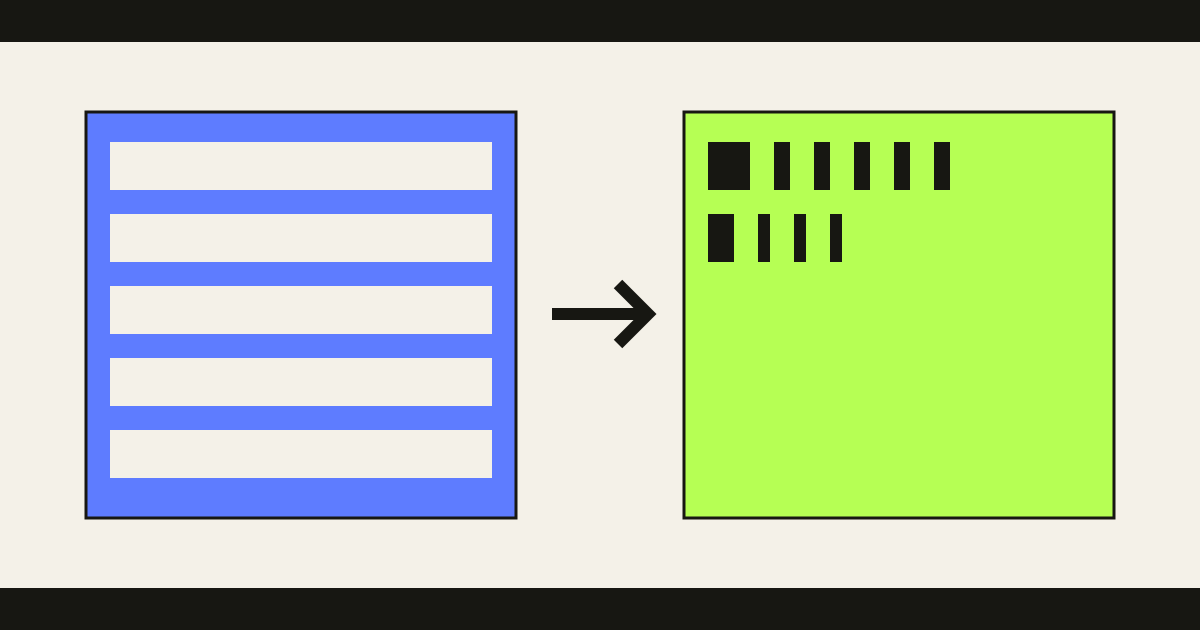
The filter view calculates all five standard filters for one row. The browser encoder can choose a different filter strategy per row.
The browser performs the image round trip above. The filter panel below it is a separate explanatory model: it applies each standard PNG filter to the same short row so that we can see what changes before the real compressor starts.
Exact pixels can still be inefficiently described
Take five values from a smooth gradient:
120, 121, 122, 123, 124Written directly, the sequence looks like five different numbers. Written as the first value followed by each change, it becomes:
120, 1, 1, 1, 1No information disappeared. Starting from 120 and adding the four changes reconstructs the original sequence exactly. But the second description exposes a pattern that a compressor can exploit.
This is the useful idea behind PNG’s row filters. They do not make the image smaller by themselves. They make its local regularity more obvious.
Each byte is described from bytes the decoder already knows
PNG first serializes image samples into rows. In a simple 8-bit red-green-blue-alpha image, the bytes arrive as red, green, blue, alpha, then the same four channels for the next pixel.
For every row, the encoder chooses one of five filters defined by the PNG specification . A filter predicts the current byte from values already available to the decoder: the byte to the left, the byte above, some combination of both, or no prediction at all.
The encoder stores the difference between the real value and that prediction. PNG calls this difference a filtered byte; it is often easier to understand as a residual.
If nearby pixels are similar, the residuals cluster around zero. A flat color can turn into a long run of zeros. A steady gradient can turn into repeated small values. The visual structure of the image has become repetition in a byte stream.
A prediction does not need to be accurate for the file to remain correct. A poor choice merely creates awkward residuals and a larger file. During decoding, the same prediction is added back, so the original byte returns either way.
Prediction quality changes size. It does not change fidelity.
DEFLATE compresses the pattern the filters revealed
Once the rows have been filtered, PNG passes them to DEFLATE. This stage combines two useful shortcuts.
When a sequence of bytes has already appeared nearby, a Lempel-Ziv 1977 (LZ77) reference can say “copy this many bytes from that earlier distance” instead of writing them again. Then Huffman coding gives shorter bit patterns to common symbols and longer patterns to rare ones.
The order matters. The row filter turns similar pixels into similar residuals. That creates more repeated sequences and more common symbols. DEFLATE can then describe the transformed stream with fewer bits.
The decoder reverses the same chain:
compressed stream
  → restore filtered bytes
  → add each row prediction
→ recover the original samplesEvery shortcut comes with the information needed to undo it. That is the lossless contract.
Why some PNG files barely shrink
Now the limit follows naturally. Prediction helps only when the image contains predictable structure.
In photographic noise, neighboring pixels can differ irregularly. The residuals remain messy, repeated sequences become scarce, and DEFLATE finds fewer shortcuts. On a very small image, PNG’s chunk and compression metadata can even outweigh the savings.
Two encoders can also produce different file sizes from the same pixels. One may choose better row filters or search harder for repeated sequences. Both files can still decode to exactly the same samples.
So “lossless” does not mean “small,” and it does not mean “the file bytes never change.” Re-saving a PNG may rearrange metadata and build a completely different compressed stream. The promise applies to the reconstructed image.
Why the hidden website survives—and when it does not
The website-in-an-image experiment uses the least significant bits of red, green, and blue samples as storage. PNG treats those bits as ordinary parts of each byte. They may make prediction slightly worse, but the format cannot round them away.
DEFLATE restores every residual. The inverse filter restores every sample. The payload therefore survives the codec itself.
But a PNG file can pass through a process that does not preserve that contract. A platform may resize the image, convert its color representation, flatten transparency, or decode it and create a new JPEG. The input was PNG; the pipeline was not lossless from end to end.
The first version of our extractor found an even narrower boundary. On one phone, the ordinary browser rendering path changed two least-significant bits while the picture still looked right. The final tool parses the supported PNG datastream directly instead of assuming that every application-facing pixel path preserves the reference values.
That failure is useful because it prevents a lazy conclusion. PNG does not “leave pixels alone.” It transforms their representation quite aggressively.
What makes PNG lossless is more precise: every transformation carries an exact route back.